Ever Found the Office HVAC Still Running After Hours?
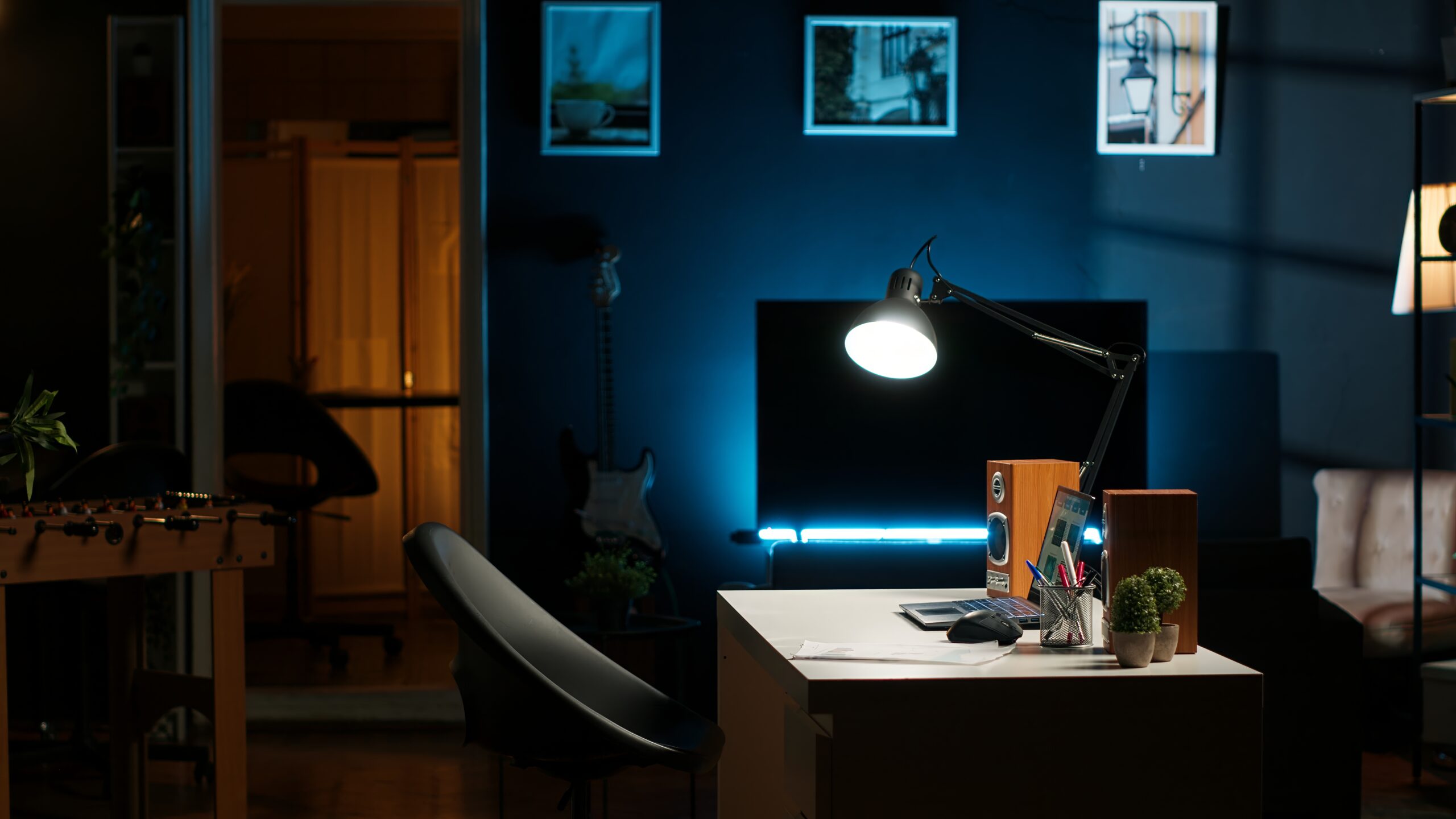
On the way home, it suddenly hits you: “Did I turn off the AC (or the heater)?”
And the next morning, you walk in to find it ran all night. Sound familiar?
Peak power demand in summer, soaring heating bills in winter —
in the end, HVAC accounts for more than 40% of an office’s total power consumption.
If the HVAC runs all night in an empty office,
the waste piles up to hundreds of thousands — even millions — of won every month.
Why Does This Waste Keep Happening?
Most office HVAC systems are still manually controlled.
– Dependent on remote controls → keeps running unless someone turns it off
– No zone control → the whole system runs even when only part of the space is in use
– No schedule management → cannot handle exceptions like overtime or cleaning hours
Because the system cannot recognize the situation on its own, it becomes “a setup that only stops when someone switches it off”.
Energy waste during unoccupied hours — evenings, weekends, holidays — is the most common yet most overlooked inefficiency in office environments.
How AI-Based HVAC Control Changes Operations
Energy Saving’s AI control is not just a timer or a basic sensor.
The core idea: analyze temperature and humidity changes in real time and automatically tune the HVAC for its most efficient operation.
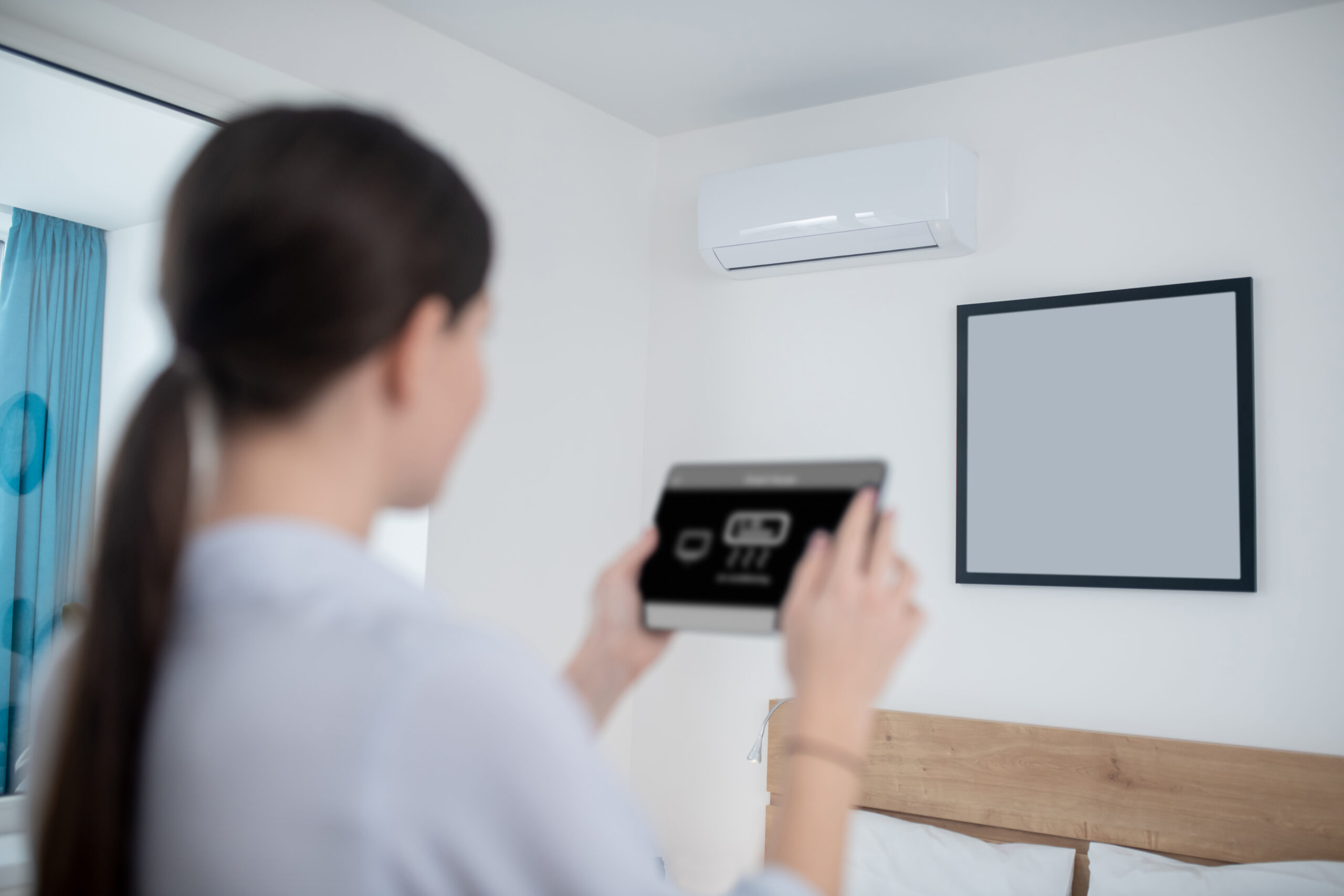
For example,
-
outdoor temperature and the rate of indoor temperature rise are compared to automatically adjust cooling intensity,
-
humidity drives optimization of the HVAC’s run cycles and setpoint temperatures,
-
and energy-sapping overcooling/overheating conditions are prevented automatically.
Because the AI keeps learning from environmental data — factoring in each unit’s response characteristics and the space’s temperature patterns — it can maintain comfort and efficiency at the same time without any human intervention.
💡 People also ask:
How can office HVAC be switched off automatically after hours?
→ Deploy an AI HVAC system with occupancy sensors and schedule control.
The AI learns your work patterns and cuts power automatically when nobody is there.
Control That Keeps the Comfort and Cuts the Waste
“If it switches off automatically, won’t it get too cold or too hot too soon?”
A fair concern — but AI automatic control is not simply a technology for switching HVAC off.
Energy Saving’s AI analyzes indoor and outdoor temperature and humidity changes and fine-tunes HVAC intensity, run cycles, and setpoints.
In other words, it learns to minimize energy consumption while preserving the comfort people actually feel.
It also factors in occupancy status and operating rules (such as closing time).
– Switches to power-saving mode when the space stays unoccupied beyond a set period
– Enters power-saving mode after the workday ends
– Restores the target temperature before staff arrive the next morning
🌡️ Intelligent optimization based on temperature and humidity + 👥 occupancy/schedule-based power saving → a complete “HVAC system that finds its own efficiency”
With this approach, after-hours HVAC runtime drops by 25~30% on average, which in power-consumption terms means an expected 15~20% annual reduction.
Conclusion: ‘After-Hours HVAC Waste’ Can Be Stopped with Technology
HVAC left running after hours is not a manager’s mistake or a system limitation — it is a control technology problem.
When AI recognizes work patterns and occupancy and takes over control automatically, you get “an office that saves energy on its own” — every single evening.
✅ 2025 Special Event
We are selecting 10 companies to receive a free PoC (Proof of Concept) service.
Run a quick self-assessment to see whether your site is a fit, then apply — applications are reviewed on a priority basis.